

MMT ULTRA
The terminal, taken further. Institutional-grade tools, expanded limits & first-priority access to everything we ship next.
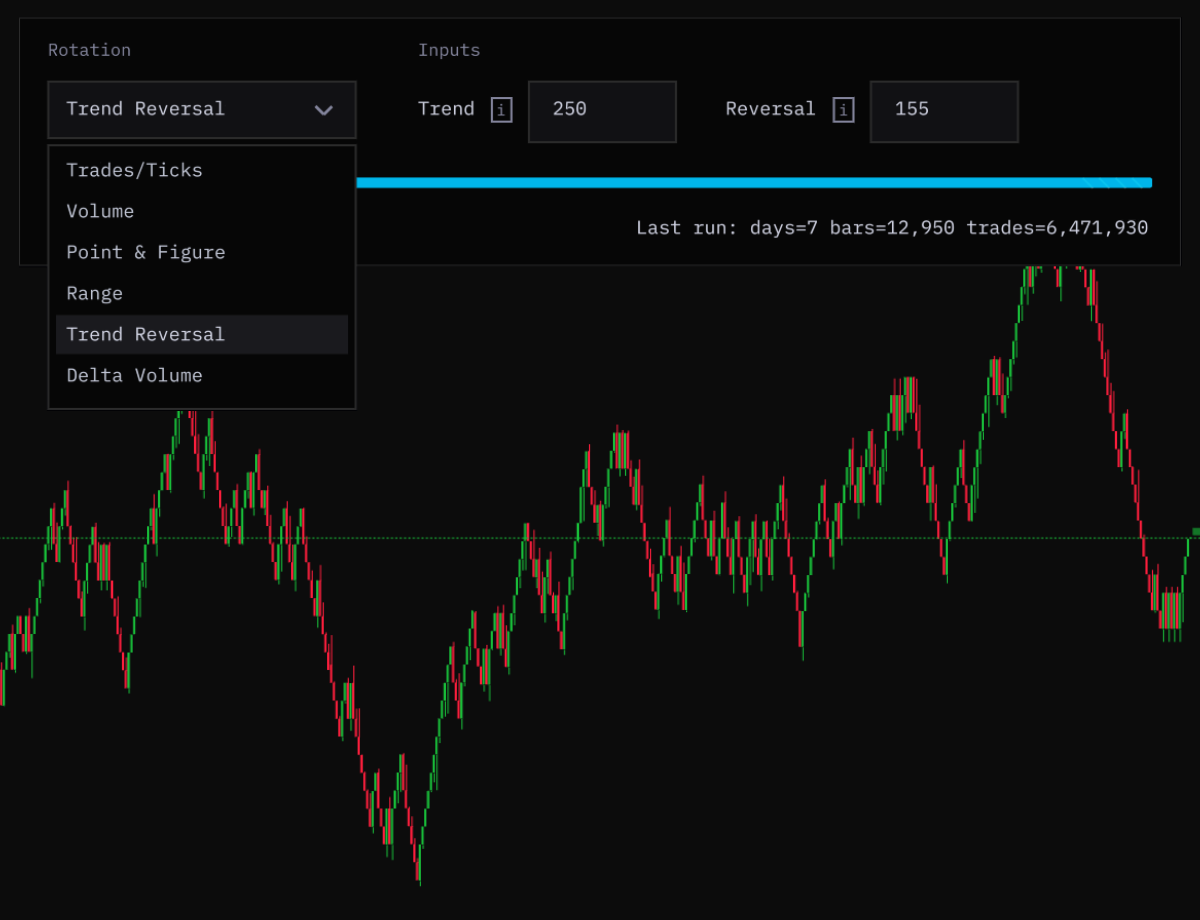
Non-Time Rotations
Institutional-grade chart construction for traders who need market-activity views beyond fixed time intervals.
Strategy Backtester & Optimizer
A research layer for validating ideas before capital is exposed, with full access to the backtesting suite and optimizer.
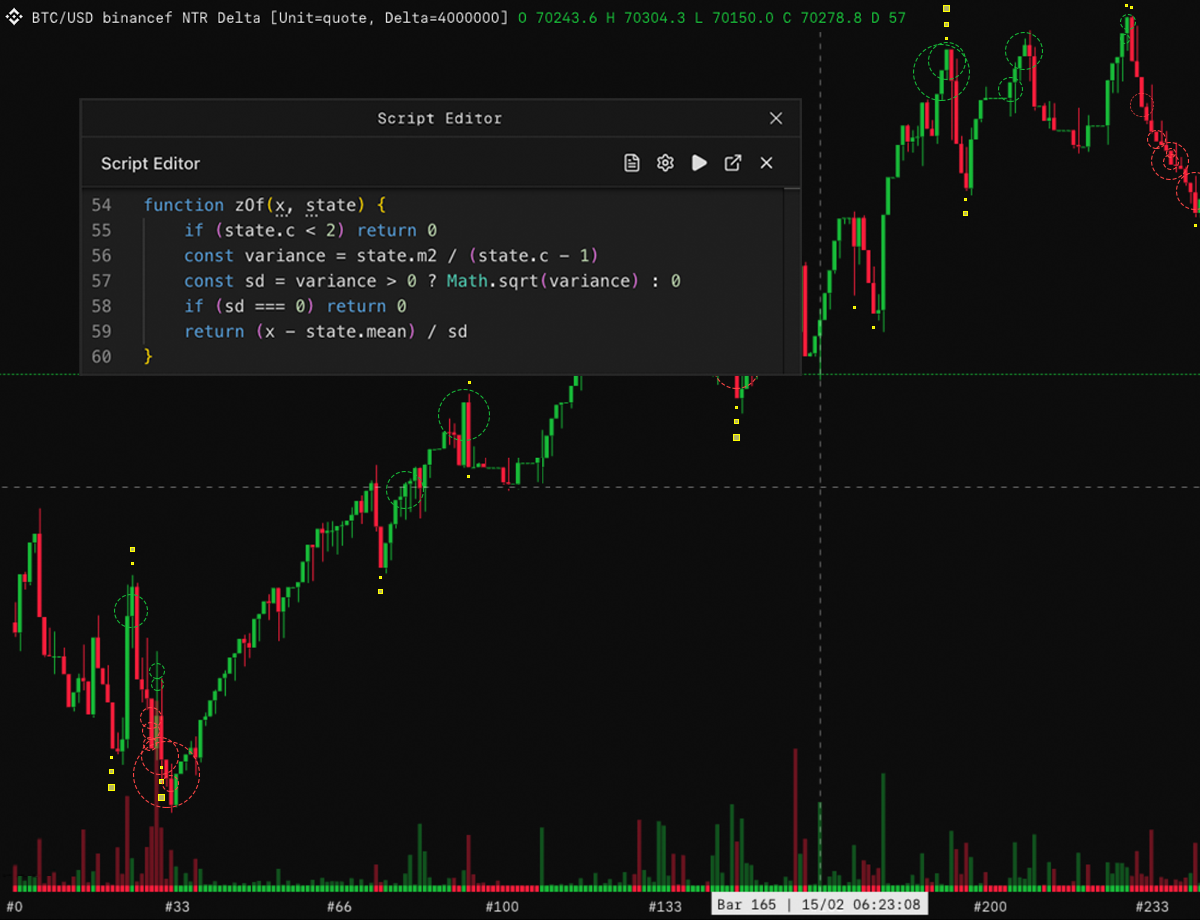
Tick Scripting
Ultra scripting will support tick data for logic that needs higher-resolution inputs than time-based series data can provide.
1st Priority Beta Access
Ultra members sit closest to the product roadmap, with priority access to selected MMT beta releases before wider rollout.
2x Alerts
Scale alerting beyond the Pro limit with more room for server-side monitoring and automated market conditions.
2.5x Layouts & Chart Templates
Keep more specialist workspaces saved and ready. Ultra expands how many layouts and chart templates you can carry across your terminal.
2x Low-Timeframe Lookback
Ultra extends historical depth where lower timeframes matter most, giving active traders more context before the current move.
Discord Role & API Discount*
Ultra includes dedicated Discord access and a yearly-plan discount for traders who use the MMT API alongside the terminal.
More depth. More control. More MMT.
Ultra carries the same clean multi-exchange terminal experience into the premium tier.
- Binance
- Bybit
- OKX
- Coinbase
- Bitfinex
- BitMEX
- Deribit
- Kraken
- Lighter
- Hyperliquid
- Extended



Maximum Alpha
MMT ULTRA
Built for traders who need the most complete MMT terminal experience, from deeper lookbacks to expanded workflows and priority access.
- 1st Priority Beta Access
- 2x Alerts
- 2.5x Layouts & Chart Templates
- 2x Low-Timeframe Lookback
- Discord Role & API Discount*
- Non-Time Rotations
- Strategy Backtester & Optimizer
- Tick Scripting
FAQ
Ultra questions, answered.
How does upgrading from Pro to Ultra work?
If you upgrade from MMT PRO to MMT ULTRA, any remaining Pro credit is applied to your Ultra checkout on a prorated basis.
What is the difference between Pro and Ultra?
Pro gives you the full MMT terminal. Ultra adds larger workflow limits, deeper low-timeframe history, more alerts, first-priority beta access, and Ultra community role in the Discord.
How do I activate the Ultra Discord role?
Launch the app, then go to Account Settings > Account > Connect Discord. Once your Discord account is connected, the Ultra role is granted automatically.
How does the API discount work?
Users on a yearly Ultra plan can receive 10% off yearly MMT API plans, making it easier to pair the institutional-grade terminal with MMT data access.
Do Ultra users get every beta release?
Ultra users get first-priority access to selected MMT beta releases. Availability may depend on the feature, rollout stage, and testing requirements.